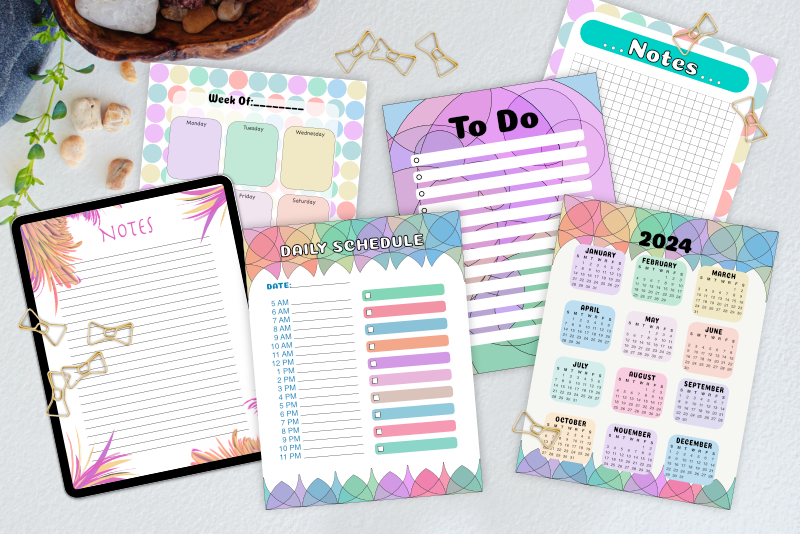
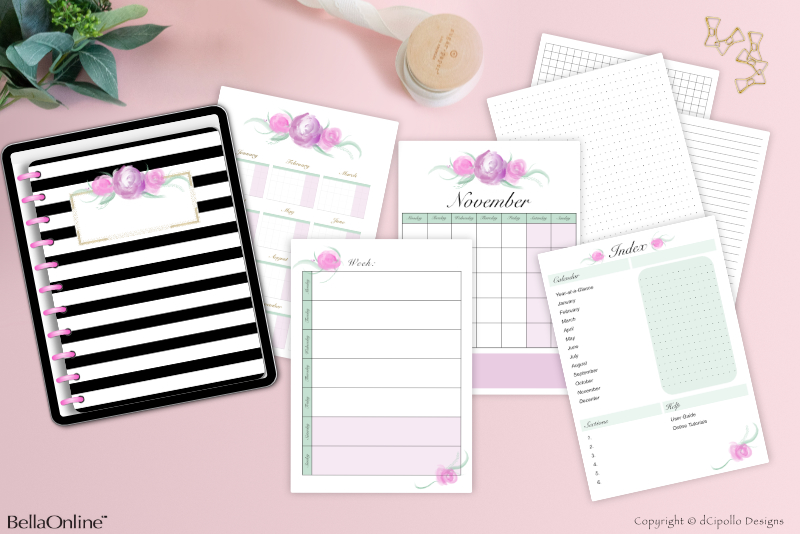
Full Digi Planner PDF Template - Planner Pages
At this point in the Design a Digital Planner in Affinity Suite tutorial series, we have finished the layout for the Inside Page master page. All the work so far has been in the Master Pages panel and we now have three master pages.
The easiest type of hyperlink is the Page hyperlink, because Affinity Publisher automatically numbers the document pages in the Pages panel. However you might want to add more pages in to the template later, such as weekly calendar pages after each monthly calendar page, which will change the page numbers. Therefore, we will not use the page numbers.
Instead, we will use the Anchor type of hyperlink. We will add an anchor on to each of the custom and calendar section pages and set a hyperlink to point to each anchor. We will put the anchors at the top left corner of the page. Because anchors are placed within text on the page, we will need to add some text on a new layer and then make the text invisible.
For this tutorial, I decided to put the calendar pages at the end of the planner (see list), because the user will probably be using the section pages most often (see screenshot). However, if the calendar is the main purpose for your planner, you will want to put the calendar at the front of the planner and the customizable sections at the back.
In the next tutorial, we will switch to the Pages panel and add the empty planner pages, along with a hyperlink anchor on each page.
Design a Digital Planner in Affinity Suite - Tutorial Series Index
More Affinity Suite Tutorials
Screenshots used by permission of Serif (Europe) Ltd. This article is not endorsed by Serif Ltd.
Hyperlinks and Anchors
There are several types of hyperlinks in Affinity Publisher (see screenshot).- Page: The hyperlink will point to a certain page identified by the page number.
- Anchor: The hyperlink will point to an anchor placed within the text on a page.
- URL: The hyperlink will open a webpage in the browser.
- File: The hyperlink will open an accompanying file.
- Email: The hyperlink will open the default email window on your device.
The easiest type of hyperlink is the Page hyperlink, because Affinity Publisher automatically numbers the document pages in the Pages panel. However you might want to add more pages in to the template later, such as weekly calendar pages after each monthly calendar page, which will change the page numbers. Therefore, we will not use the page numbers.
Instead, we will use the Anchor type of hyperlink. We will add an anchor on to each of the custom and calendar section pages and set a hyperlink to point to each anchor. We will put the anchors at the top left corner of the page. Because anchors are placed within text on the page, we will need to add some text on a new layer and then make the text invisible.
Order of the Tabbed Section Pages
We already know that our planner will begin with the front cover and end with the back cover. These two pages will not have hyperlinks. However, all but a few of the inside pages will have hyperlinks. We also know that the first page will be the Index page. But what order do we want to add the calendar and custom section pages in to our planner? The answer to this question will depend on the purpose of your digital planner.For this tutorial, I decided to put the calendar pages at the end of the planner (see list), because the user will probably be using the section pages most often (see screenshot). However, if the calendar is the main purpose for your planner, you will want to put the calendar at the front of the planner and the customizable sections at the back.
In the next tutorial, we will switch to the Pages panel and add the empty planner pages, along with a hyperlink anchor on each page.
Design a Digital Planner in Affinity Suite - Tutorial Series Index
More Affinity Suite Tutorials
Screenshots used by permission of Serif (Europe) Ltd. This article is not endorsed by Serif Ltd.
Powered by Creative Market

Related Articles
Editor's Picks Articles
Top Ten Articles
Previous Features
Site Map
Content copyright © 2023 by Diane Cipollo. All rights reserved.
This content was written by Diane Cipollo. If you wish to use this content in any manner, you need written permission. Contact Diane Cipollo for details.