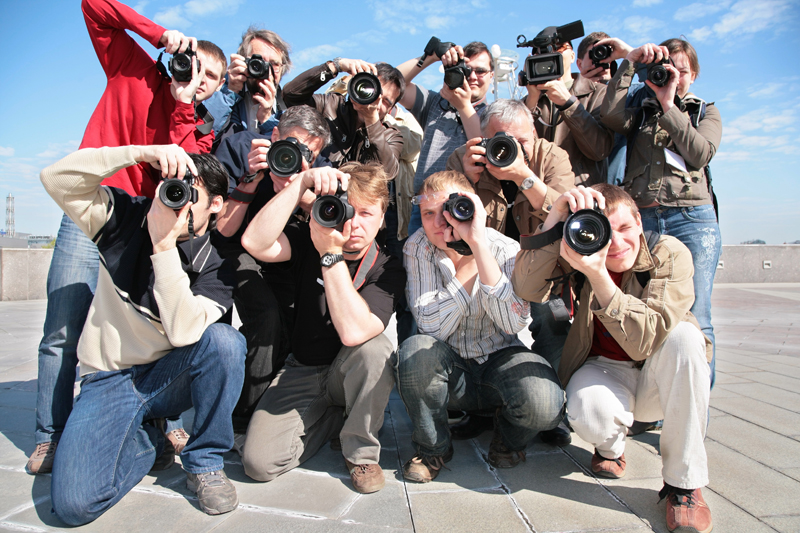
Introduction to Shutter Speed in DSLR Cameras
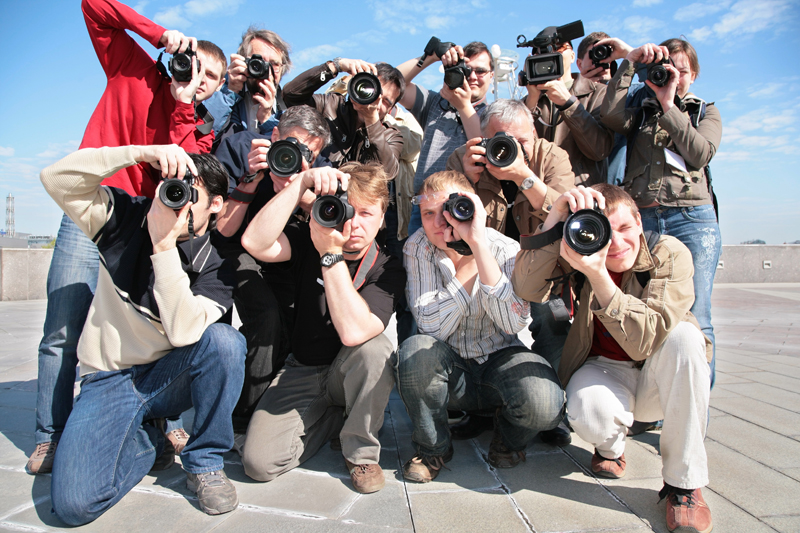
The shutter is the camera’s mechanism for controlling the amount of time that your camera will let in light, to record the image you are taking. It is a metal curtain (in DSLR cameras) that opens up to let in light and then closes, to complete the shot. It’s the “clunk clunk” noise you hear when you take a shot on a DSLR camera.
Shutter speed is measured in seconds of time or fractions of seconds. For example, 1 over 30 would be 30th of a second. Most DSLR cameras have the ability to go from “bulb” mode (you control exactly how long the shutter is open and close it manually) to at least 4000th of a second or faster.
Most DSLR cameras can record shutter speed in “traditional” stops or thirds of stops (the values in-between). Traditional shutter speed stops are the values that are used in film photography and now in digital photography. Examples of traditional stops are 30/60/120 of a second etc. Each time to go up 1 stop you double the number. And each time you go down a stop you half the number. Most DSLR cameras will let you choose if you want to work in traditional stops or thirds of stops in the cameras menu.
Whenever you change your shutter speed, you are letting in more, or less light, so you need to remember to change your aperture or ISO to compensate (if you are in manual mode), to maintain the same exposure for your shot.
If you want to see how your camera naturally compensates for exposure, then set your DSLR to “TV” or your camera models equivalent. TV stands for “Time value” which is the same as shutter speed. This mode (usually found on the top dial of your DSLR camera) allows you to set the shutter speed and the camera will then automatically change the aperture for you.
There is a significant difference in the shutter speeds you can use when handholding your camera as oppose to mounting it on a tripod. When handholding your camera, you should always have the shutter speed fast enough that you do not get a blurred shot. A 50th of a second is a good minimum speed if you are using a 50 mm lens. If you are confident that you can hold your camera really still and you tuck your elbows into your body for extra stability, then you could try a 30th of a second or less.
Zooming into photos will show you if there is undesirable blur and give you an idea of what speeds you can handhold at
If your using a longer lens then your shutter speed needs to be a bit faster, because of the extra weight of the lens. A longer lens will magnify any small movement so more care is needed. A good general rule is to put your shutter speed at the longest focal length of your lens. So if you are shooting with a 70-200mm lens, you should set your camera’s shutter to 200th of a second. You also need to compensate if you are using a camera with a crop factor as oppose to a full frame sensor. The sensor in these cameras lengthens the focal length of the lens , so you will have to use faster speeds than you would on a full frame camera.
When choosing your shutter speed think about your subject. For a still or slow subject a slow shutter speed is fine. And to freeze a moving subject make your shutter speed fast enough to capture the detail without blur (500th of a second upwards depending on the speed of your subject).
If you are using a good tripod, then (to some extent) you can throw half of these rules out of the window, as you will have a greater range of shutter speeds to choose from, without worrying about camera shake.
There’s no better way to learn about how to use you shutter than to just experiment with it. It is so much fun to play around with shutter speeds to get creative results, so dedicate a day to go out and experiment. Have fun!
Shutter speed is measured in seconds of time or fractions of seconds. For example, 1 over 30 would be 30th of a second. Most DSLR cameras have the ability to go from “bulb” mode (you control exactly how long the shutter is open and close it manually) to at least 4000th of a second or faster.
Most DSLR cameras can record shutter speed in “traditional” stops or thirds of stops (the values in-between). Traditional shutter speed stops are the values that are used in film photography and now in digital photography. Examples of traditional stops are 30/60/120 of a second etc. Each time to go up 1 stop you double the number. And each time you go down a stop you half the number. Most DSLR cameras will let you choose if you want to work in traditional stops or thirds of stops in the cameras menu.
Whenever you change your shutter speed, you are letting in more, or less light, so you need to remember to change your aperture or ISO to compensate (if you are in manual mode), to maintain the same exposure for your shot.
If you want to see how your camera naturally compensates for exposure, then set your DSLR to “TV” or your camera models equivalent. TV stands for “Time value” which is the same as shutter speed. This mode (usually found on the top dial of your DSLR camera) allows you to set the shutter speed and the camera will then automatically change the aperture for you.
There is a significant difference in the shutter speeds you can use when handholding your camera as oppose to mounting it on a tripod. When handholding your camera, you should always have the shutter speed fast enough that you do not get a blurred shot. A 50th of a second is a good minimum speed if you are using a 50 mm lens. If you are confident that you can hold your camera really still and you tuck your elbows into your body for extra stability, then you could try a 30th of a second or less.
Zooming into photos will show you if there is undesirable blur and give you an idea of what speeds you can handhold at
If your using a longer lens then your shutter speed needs to be a bit faster, because of the extra weight of the lens. A longer lens will magnify any small movement so more care is needed. A good general rule is to put your shutter speed at the longest focal length of your lens. So if you are shooting with a 70-200mm lens, you should set your camera’s shutter to 200th of a second. You also need to compensate if you are using a camera with a crop factor as oppose to a full frame sensor. The sensor in these cameras lengthens the focal length of the lens , so you will have to use faster speeds than you would on a full frame camera.
When choosing your shutter speed think about your subject. For a still or slow subject a slow shutter speed is fine. And to freeze a moving subject make your shutter speed fast enough to capture the detail without blur (500th of a second upwards depending on the speed of your subject).
If you are using a good tripod, then (to some extent) you can throw half of these rules out of the window, as you will have a greater range of shutter speeds to choose from, without worrying about camera shake.
There’s no better way to learn about how to use you shutter than to just experiment with it. It is so much fun to play around with shutter speeds to get creative results, so dedicate a day to go out and experiment. Have fun!

Related Articles
Editor's Picks Articles
Top Ten Articles
Previous Features
Site Map
Content copyright © 2023 by Ewa Sapinska. All rights reserved.
This content was written by Ewa Sapinska. If you wish to use this content in any manner, you need written permission. Contact Ewa Sapinska for details.