Teacher iMovie Tips and Tricks by Tabitha Park
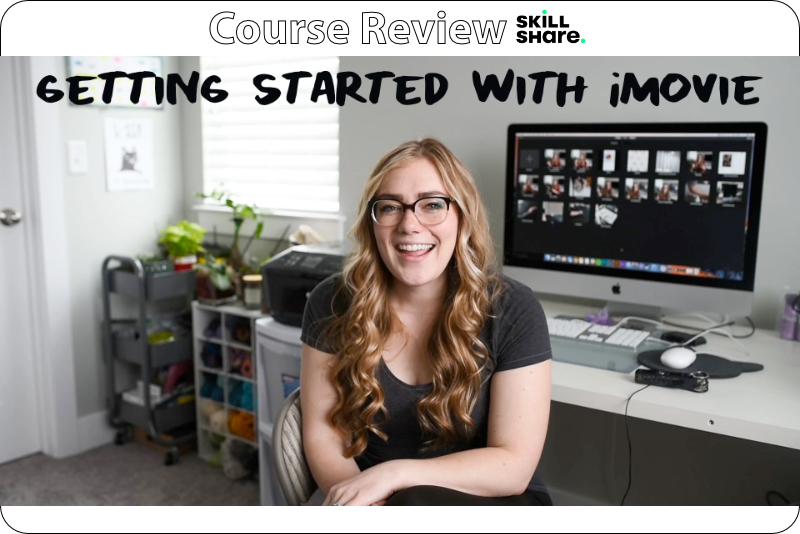
Are you thinking of creating an online course but don't know where to start? In this twelve minute course, entitled Teacher Tips: Easy Tips and Tricks for Using iMovie to Edit Your Skillshare Class, Skillshare Top Teacher Tabitha Park shares her best practices for creating her photography courses in Apple iMovie. As this course is only twelve minutes long, I was very surprised at the amount of information that Park covers.
Park's video editing process begins with importing her video/audio file from her DSLR into a new empty iMovie project. As she doesn't like the audio quality from the DSLR, she records her narrative separately, using a Zoom H1n recorder. Once the DSLR video is imported, she then removes or detaches the audio tract from the video, as she will be using the other separate audio file. Next, she aligns the second audio tract to the video.
The next task is to break up the video and audio tracks into individual sections, which will become each class in the course. Then its time to add the opening and closing transitions. Park shows how easy it is to use one of iMovie's built-in transitions.
Park moves on to adding a text overlay. She discusses how to use the Titles menu to preview the built-in text effects. After choosing one of the effects, she shows how easy it is to change the text from the default, as well as change the size, color and choose a built-in font or a font on your computer.
Park also covers how to add other media to your video, such as a still image or music. After importing an image from her computer, she discusses how to adjust the two crop boxes to customize the Ken Burns effect, which is automatically added to the image. Of course, she also shows how easy it is to remove this effect if you wish.
Park moves on to making adjustments to the video and audio tracts. She covers how to adjust the volume for the audio and how to use the palette sliders to adjust the hue, contrast and saturation of the video.
Finally, its time to export your iMovie project. You can share your project to YouTube or Facebook or export to your computer. She shares her favorite export settings for a high quality, 1080 resolution video for her Skillshare courses.
Tabitha Park is a product and food photographer and a Skillshare Top Teacher. You can find her at https://www.tabithapark.com/.
Teacher Tips: Easy Tips and Tricks for Using iMovie to Edit Your Skillshare Class
https://www.skillshare.com/classes/Teacher-Tips-Easy-Tips-and-Tricks-For-Using-iMovie-to-Edit-Your-Skillshare-Class/1789573896
Tabitha Park Teacher Profile
https://www.skillshare.com/user/tabithapark
Disclosure: As a participant in the Skillshare affiliate program, some of the links in this article are affiliate links. However, my opinions are completely my own based on my experience.
Screenshots used by permission of Skillshare, Inc.
Park's video editing process begins with importing her video/audio file from her DSLR into a new empty iMovie project. As she doesn't like the audio quality from the DSLR, she records her narrative separately, using a Zoom H1n recorder. Once the DSLR video is imported, she then removes or detaches the audio tract from the video, as she will be using the other separate audio file. Next, she aligns the second audio tract to the video.
The next task is to break up the video and audio tracks into individual sections, which will become each class in the course. Then its time to add the opening and closing transitions. Park shows how easy it is to use one of iMovie's built-in transitions.
Park moves on to adding a text overlay. She discusses how to use the Titles menu to preview the built-in text effects. After choosing one of the effects, she shows how easy it is to change the text from the default, as well as change the size, color and choose a built-in font or a font on your computer.
Park also covers how to add other media to your video, such as a still image or music. After importing an image from her computer, she discusses how to adjust the two crop boxes to customize the Ken Burns effect, which is automatically added to the image. Of course, she also shows how easy it is to remove this effect if you wish.
Park moves on to making adjustments to the video and audio tracts. She covers how to adjust the volume for the audio and how to use the palette sliders to adjust the hue, contrast and saturation of the video.
Finally, its time to export your iMovie project. You can share your project to YouTube or Facebook or export to your computer. She shares her favorite export settings for a high quality, 1080 resolution video for her Skillshare courses.
Tabitha Park is a product and food photographer and a Skillshare Top Teacher. You can find her at https://www.tabithapark.com/.
Teacher Tips: Easy Tips and Tricks for Using iMovie to Edit Your Skillshare Class
https://www.skillshare.com/classes/Teacher-Tips-Easy-Tips-and-Tricks-For-Using-iMovie-to-Edit-Your-Skillshare-Class/1789573896
Tabitha Park Teacher Profile
https://www.skillshare.com/user/tabithapark
Disclosure: As a participant in the Skillshare affiliate program, some of the links in this article are affiliate links. However, my opinions are completely my own based on my experience.
Screenshots used by permission of Skillshare, Inc.

Related Articles
Editor's Picks Articles
Top Ten Articles
Previous Features
Site Map
Content copyright © 2023 by Diane Cipollo. All rights reserved.
This content was written by Diane Cipollo. If you wish to use this content in any manner, you need written permission. Contact Diane Cipollo for details.