XBox 360 Live - Themes
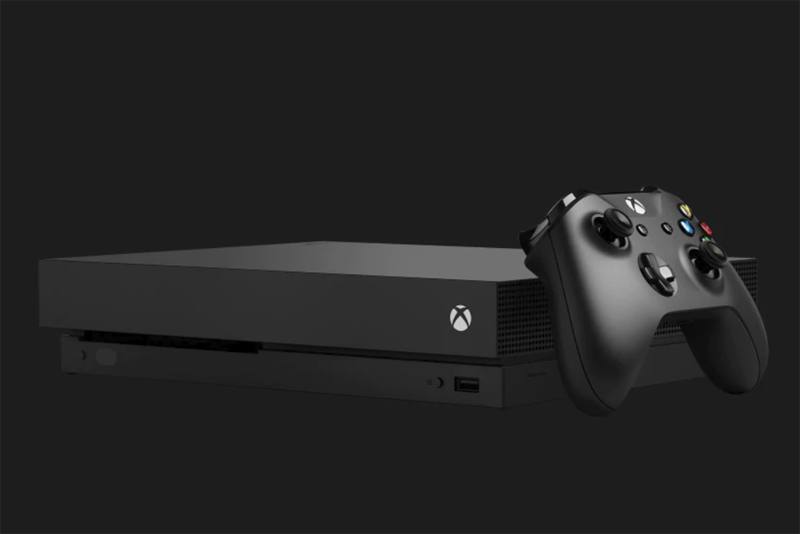
Themes are a REALLY cool way to customize your XBox 360 dashboard area. Here is how to choose and change your theme!
Turn on your XBox 360 first, of course. Make sure your network cable is plugged in and your XBox 360 has network connectivity.
Once your XBox 360 is up and running, and you're in your dashboard, use the X button on the center of your controller to get into your profile area. Choose your profile, or create a new one if you don't have one yet. Now press Y to get to the dashboard.
Downloading Themes
Themes on your XBox hard drive are available to all profiles - so you only have to download them once. Go to the XBox Live tab - the one on the far left. Choose the XBox Live Marketplace. Now click the THEMES link.
Note that MOST of the themes in here cost cash. Well, they cost "points" - which you have to buy for cash. So for example getting a Boston Celtics theme is 150 points, so about $1.50. It's not a lot of money really. There are a TON of themes in here. There are themes for each NBA team, each NFL team, each soccer team, plus a bunch for various games. Be sure to look for FREE ones that appear in here occasionally - especially around certain holidays. I picked up a free winter theme for one game, for example.
Once you have downloaded the themes you're interested in, it's time to use them.
Applying Themes
To choose a theme for your profile, hit the center X button on your controller to bring up your dashboard. Do this even if you're already in a menu. Go down to "personal settings". On here you'll see "themes". There are many built in themes like Carbon, Glass, and so on. Depending on what games you own, you might also have themes in place for them. For example, my machine has a GUN, Kameo and PGR theme. Choose a theme, then return to the regular menu to see how it looks.
Themes change the background on your four desktop tabs, as well as the color of the tab itself and the edges.
Choose a theme that suits your attitude! You can change your themes with the month, the season, or the sport you're currently watching!
Turn on your XBox 360 first, of course. Make sure your network cable is plugged in and your XBox 360 has network connectivity.
Once your XBox 360 is up and running, and you're in your dashboard, use the X button on the center of your controller to get into your profile area. Choose your profile, or create a new one if you don't have one yet. Now press Y to get to the dashboard.
Downloading Themes
Themes on your XBox hard drive are available to all profiles - so you only have to download them once. Go to the XBox Live tab - the one on the far left. Choose the XBox Live Marketplace. Now click the THEMES link.
Note that MOST of the themes in here cost cash. Well, they cost "points" - which you have to buy for cash. So for example getting a Boston Celtics theme is 150 points, so about $1.50. It's not a lot of money really. There are a TON of themes in here. There are themes for each NBA team, each NFL team, each soccer team, plus a bunch for various games. Be sure to look for FREE ones that appear in here occasionally - especially around certain holidays. I picked up a free winter theme for one game, for example.
Once you have downloaded the themes you're interested in, it's time to use them.
Applying Themes
To choose a theme for your profile, hit the center X button on your controller to bring up your dashboard. Do this even if you're already in a menu. Go down to "personal settings". On here you'll see "themes". There are many built in themes like Carbon, Glass, and so on. Depending on what games you own, you might also have themes in place for them. For example, my machine has a GUN, Kameo and PGR theme. Choose a theme, then return to the regular menu to see how it looks.
Themes change the background on your four desktop tabs, as well as the color of the tab itself and the edges.
Choose a theme that suits your attitude! You can change your themes with the month, the season, or the sport you're currently watching!

Related Articles
Editor's Picks Articles
Top Ten Articles
Previous Features
Site Map
Follow @lisavideogames
Tweet
Content copyright © 2023 by Lisa Shea. All rights reserved.
This content was written by Lisa Shea. If you wish to use this content in any manner, you need written permission. Contact Lisa Shea for details.