Old XBox to New XBox Transfer
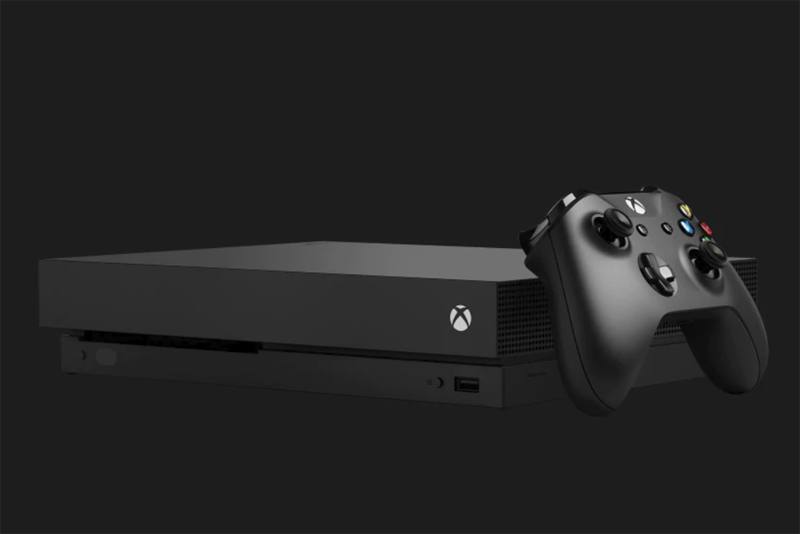
You had an old XBox that has finally bitten the dust. You've bought yourself a fresh, new XBox to keep playing with. How do you transfer your hard drive content?
First, it's important NOT to just rip open the old XBox and put that drive into the new one. It's very likely that the old drive is what was the problem on the old XBox. It's also very likely that the new drive is in far better shape than the old one, even if the old one works. Drives fail after time. You really want your data on that new drive.
All of your save games are simply files on the hard drive, just like with a PC. So first, make sure you have a memory card. I highly recommend getting a very large third party one. First, it'll make the process faster because you can fit more on each swap pass that you do. Second, there are literally some game save files that do NOT fit on the default memory card. So if you don't get a larger one, those games are stuck on the old system.
What if you're an XBox Live user? Not to worry - that configuration file is simply a file like any other on the XBox hard drive. Simply find it and copy it to your new system. The new system will instantly have all your configuration settings.
There IS one downside to this all. When you download content to your XBox, it is "signed" based on your XBox ID, not your gamer tag. That is, if you really like Karaoke and bought yourself new song sets, those song sets were bought "by" your individual XBox and can't be copied around. This is for pretty obvious reasons. If they were simply files you could copy to your memory card - or if you could download them to any machine you wanted based on your logon - then you could easily buy something once and then download it on your 100 best friends' machines. You could buy it and then go around distributing it for free with your memory card. That really wouldn't be fair. So yes, you'll have to re-buy that content. But heck, it only cost $2.99 or $5.99 or whatever. It's a tiny price to pay for a brand new, faster, quieter, more reliable system.
And that's it! Now your new XBox is full of your save games, your new XBox is far better than the old XBox, and you're back in gaming!
First, it's important NOT to just rip open the old XBox and put that drive into the new one. It's very likely that the old drive is what was the problem on the old XBox. It's also very likely that the new drive is in far better shape than the old one, even if the old one works. Drives fail after time. You really want your data on that new drive.
All of your save games are simply files on the hard drive, just like with a PC. So first, make sure you have a memory card. I highly recommend getting a very large third party one. First, it'll make the process faster because you can fit more on each swap pass that you do. Second, there are literally some game save files that do NOT fit on the default memory card. So if you don't get a larger one, those games are stuck on the old system.
What if you're an XBox Live user? Not to worry - that configuration file is simply a file like any other on the XBox hard drive. Simply find it and copy it to your new system. The new system will instantly have all your configuration settings.
There IS one downside to this all. When you download content to your XBox, it is "signed" based on your XBox ID, not your gamer tag. That is, if you really like Karaoke and bought yourself new song sets, those song sets were bought "by" your individual XBox and can't be copied around. This is for pretty obvious reasons. If they were simply files you could copy to your memory card - or if you could download them to any machine you wanted based on your logon - then you could easily buy something once and then download it on your 100 best friends' machines. You could buy it and then go around distributing it for free with your memory card. That really wouldn't be fair. So yes, you'll have to re-buy that content. But heck, it only cost $2.99 or $5.99 or whatever. It's a tiny price to pay for a brand new, faster, quieter, more reliable system.
And that's it! Now your new XBox is full of your save games, your new XBox is far better than the old XBox, and you're back in gaming!

Editor's Picks Articles
Top Ten Articles
Previous Features
Site Map
Follow @lisavideogames
Tweet
Content copyright © 2023 by Lisa Shea. All rights reserved.
This content was written by Lisa Shea. If you wish to use this content in any manner, you need written permission. Contact Lisa Shea for details.